
How to clone an app with REA: a hands-on walkthrough
To clone an app's feature with REA, install REA into your coding agent with npx rea-agents setup, give the agent the app or its source plus a SKILL.md guide, then ask it to explain how the feature works, show the evidence and build a version for your project. This walkthrough uses the open-source 2048 game, so you can try every step on a target you are free to analyse.
Last updated: · by REA Guides editorial team
See all software guidesWhat you need
Node.js and npm
REA's README asks for Node.js 22.x (22.23.4 or later), 24.x (24.22.1 or later) or 26.12.1 and later.
An AI coding agent
REA's setup supports Claude Code, Codex, Cursor, Gemini CLI and Grok Build, among others.
A target you may analyse
Here that is the open-source 2048 game at github.com/gabrielecirulli/2048. JavaScript targets need no other tool; native binaries also need Hopper, Ghidra, IDA or Kuna.
Step 1: install REA into your agent
Run the official setup from a trusted directory outside the target project. Choose your agents, review the proposed changes and approve them. Setup adds REA's MCP server and matching workflow instructions, keeping backups of your existing configuration. Restart your agent afterwards.
npx rea-agents setupGet REA only from the official sources: the morluto/rea repository on GitHub, rea.tools, or the rea-agents npm package. A similarly named repository or a copied README does not make a download official.
Step 2: add the 2048 guide
Download the free guide from the 2048 guide page, unzip it and tell your agent the absolute path of its SKILL.md. The guide is a short instruction file, not a program: it tells the agent to find or install REA, get the 2048 source, load REA's official workflow for a JavaScript application and report what it finds. This is the whole file (the pack also holds a short references/rea-bootstrap.md):
---
name: rea-2048-guide
description: Use when the user wants to reverse engineer, rebuild, analyze, or revise 2048 with REA.
---

# REA → 2048

Target repository: https://github.com/gabrielecirulli/2048.git

1. Read [REA bootstrap](references/rea-bootstrap.md). Detect and reuse the shared local REA checkout; acquire and prepare it when missing. Continue when the local CLI works, or use already available REA tools.
2. Use the user's 2048 path when supplied. Otherwise clone the target repository into the user's workspace. Record the revision and keep its license; use a separate working copy for changes.
3. Load REA's official skill and the workflow relevant to the target's actual input. Give the agent the target path and the user's requested outcome. For shipped JS use REA's JavaScript application analysis; for complete source use the official source-repository route. Keep REA findings and implementation work distinct.
4. Carry out the requested analysis, reconstruction or revision and deliver its result. When the user gives no outcome, start with a REA-backed analysis of the application artifact and report its behavior and feasible next actions; clarify the desired revision before changing behavior.

Completion: REA is available, the target is acquired, and the requested result or exact blocker is reported. This guide defines no fixed feature, tutorial or game modification.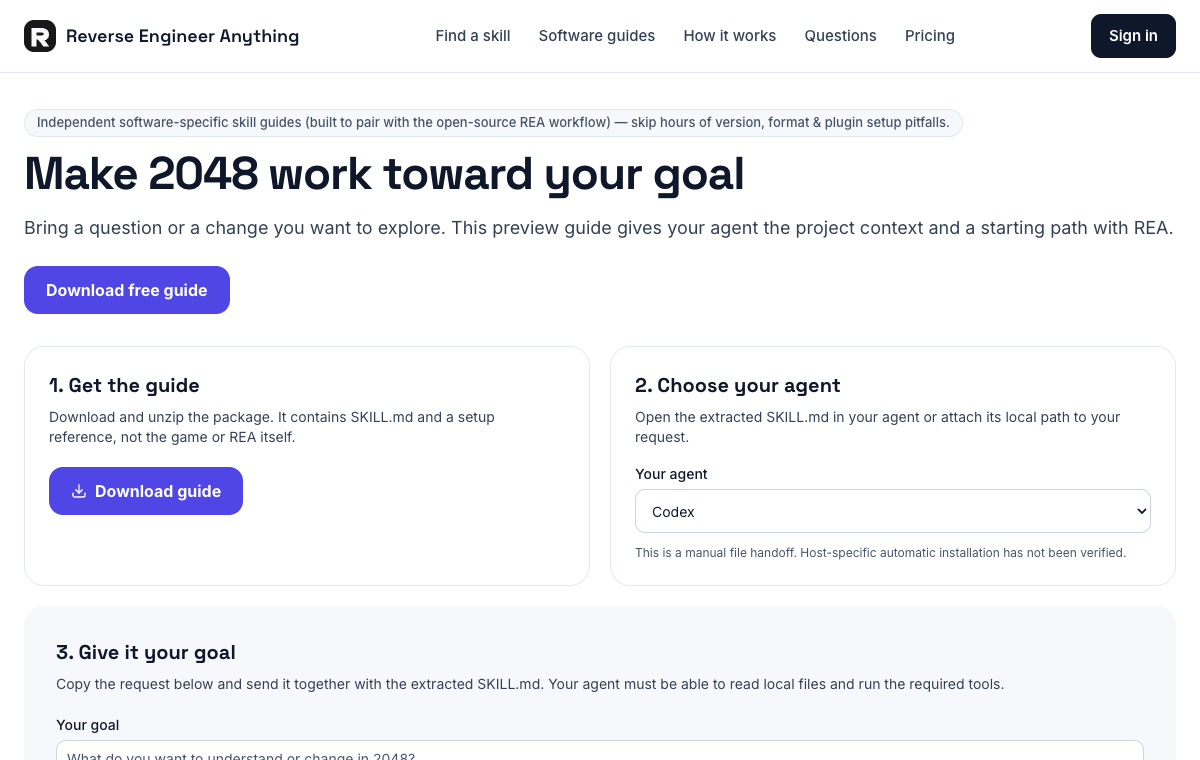
Step 3: ask for the result you want
Describe the outcome in plain words. REA's own README suggests this shape of request:
Understand how search works in the Notes app, show me the evidence, and build a similar feature for my project.For this walkthrough, swap in 2048. If you give no outcome at all, the guide tells the agent to start with an analysis and report the behaviour and the feasible next steps before it changes anything.
Using REA and the 2048 guide, work out how tiles merge in this 2048 project, show me the evidence for each step, and write a small module that does the same for my own game.Step 4: read the evidence, not just the answer
REA returns its findings together with the evidence and limitations behind them, so you can check the agent's explanation against the code it points to. You can also run the same kind of analysis yourself from the terminal. For an extracted JavaScript or Electron app, the first command lists modules, imports and Electron boundaries with their evidence; the next two install the rea command for regular use.
npx -y rea-agents@latest analyze-javascript-application /absolute/path/to/app --json
npm install --global rea-agents
rea --help
What the output looks like
We have not run REA ourselves, so the examples here are quoted from the REA project's CLI documentation (docs/getting-started/cli.md in morluto/rea), not captured by us. For a real application the full evidence file can be hundreds of megabytes, so the documentation saves it to a file and then asks for a small view of it, such as a summary:
rea analyze-javascript-application /absolute/path/to/app --json > app-evidence.json
jq -c '{source: {kind: "inline", evidence: .}, view: {kind: "summary"}}' app-evidence.json > app-view.json
rea inspect-analysis-view app-view.json
The same documentation says a 334 MB evidence file for the Obsidian app yields a summary view of about 10 KB, and that adding --timings to a command writes one timing record to stderr, for example:
{"rea_timings":{"version":1,"command_ms":42}}When it goes wrong
The agent cannot see SKILL.md
Give it the absolute local path of the unzipped file.
REA setup or a required tool fails
Ask the agent to show the actual error and to stop any step that depends on it until the error is fixed.
It worked last week and now it does not
REA changes quickly. Run rea update, or npx rea-agents@latest setup if you use npx, then restart your agent.
Native binary analysis fails
Set up a provider (Hopper, Ghidra, IDA or Kuna) first. For large binaries you can raise the provider's startup deadline with REA_GHIDRA_STARTUP_TIMEOUT_MS or REA_HOPPER_STARTUP_TIMEOUT_MS.
From 2048 to the software you use
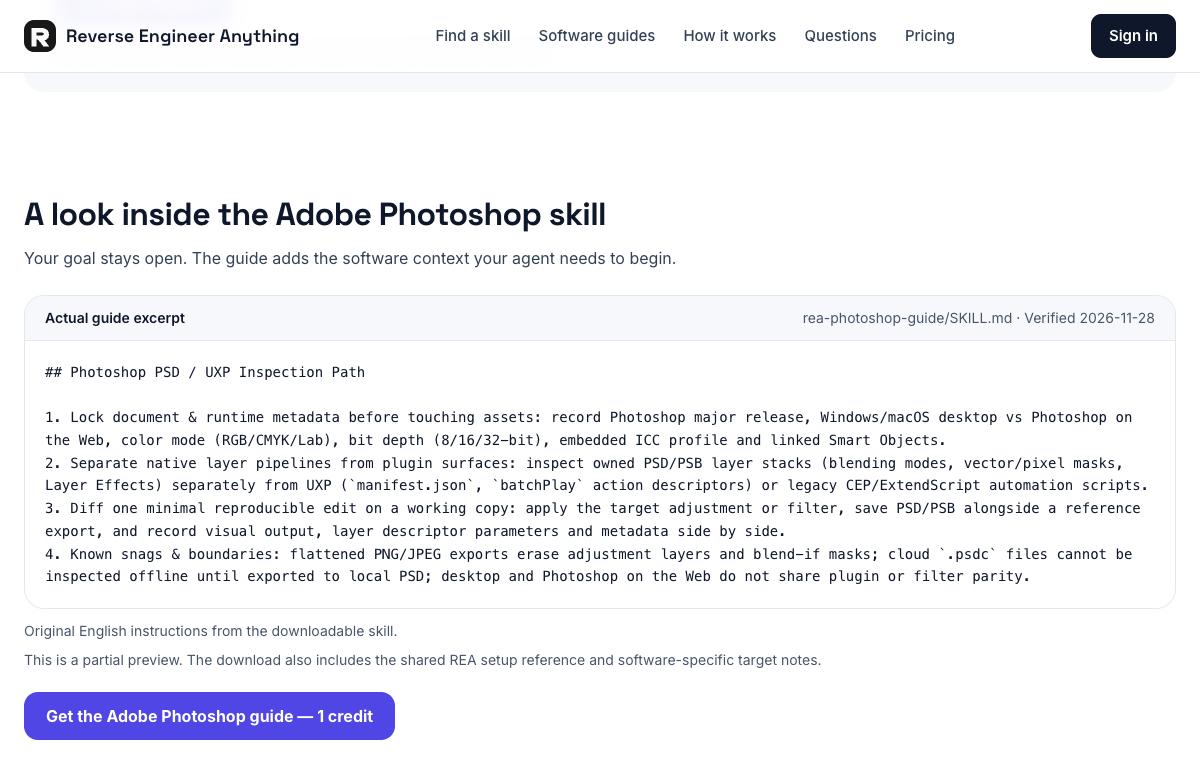
2048 is a safe target, not the goal. The same steps work for the software you actually use: our Photoshop, ZBrush, Geneious, AutoCAD and SOLIDWORKS guides add that application's versions, file formats and plugins to the agent's context. Use only files you are allowed to analyse, keep originals and work on copies. A neutral export such as STEP or a flattened image cannot show everything inside the native file, and no guide promises that every request will succeed.
All software guidesReverse engineering tools for AI coding agents
What this walkthrough does not show
We have not pasted a terminal transcript of our own run, because we have not installed or run REA, and the output depends on your agent, your REA version and the target. The output examples above are quoted from REA's documentation. Run the steps and read what your own agent returns. For worked examples from the REA project itself, see its showcases (DX-Ball, Notion and TH04).
Questions
Is cloning an app with REA legal?
It depends on the software, its licence and where you live. 2048 is open source. For commercial software, analyse only what you own or are permitted to inspect, and check the licence terms. This is general information, not legal advice.
Do I need to code?
You describe the outcome in plain words and the agent does the analysis, but you should still read the evidence and test the result. Some tasks call for technical judgement.
Is the 2048 guide really free?
Yes. The 2048 guide is a free preview of the workflow and needs no credit.
Ready to try it on software you use? Pick your guide.
See all software guides